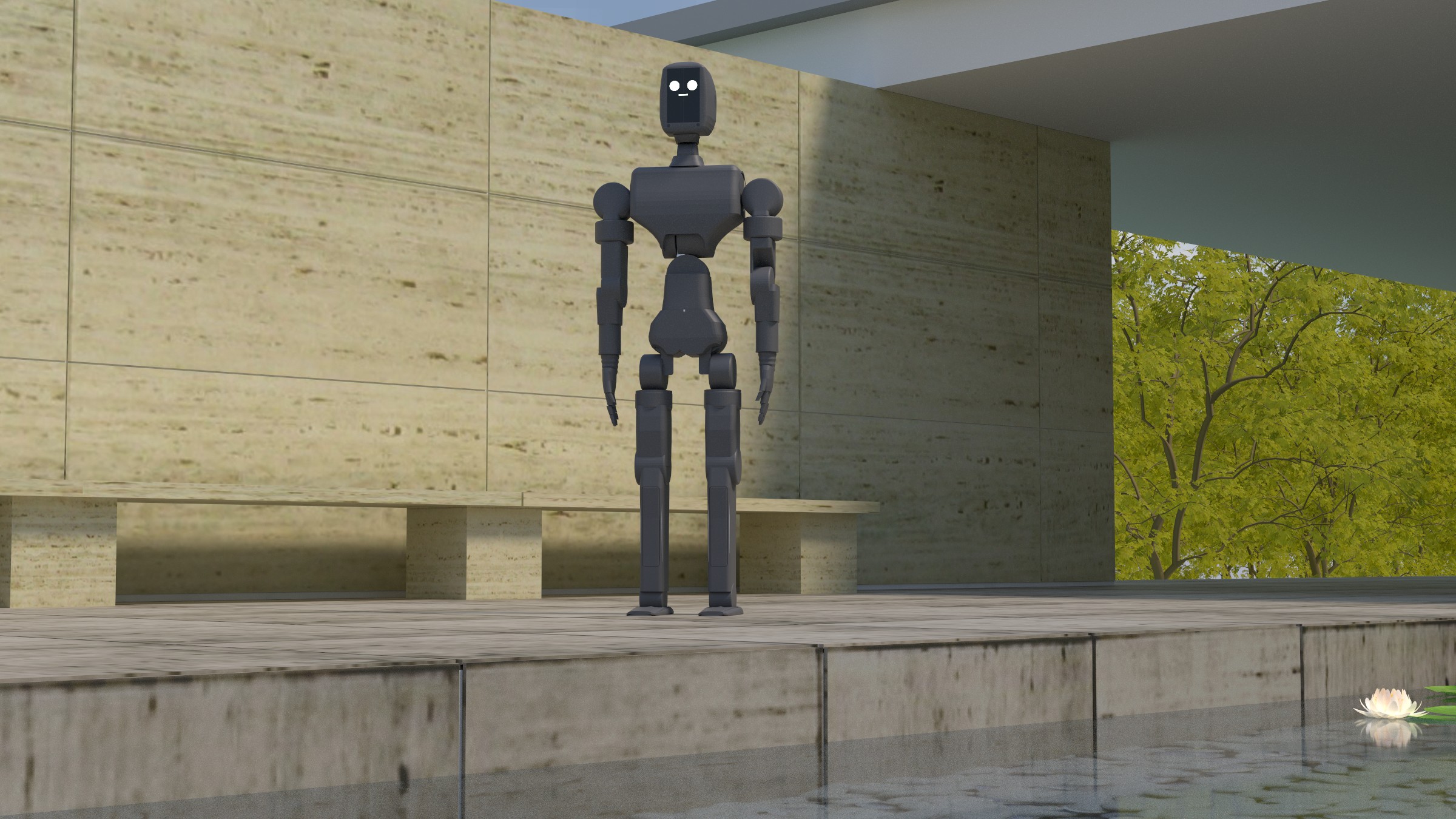
Go on, poke it.
This is real irys, compiled to WebAssembly and running on your CPU right now. Each step renders, compares with the target, replays the light for the gradient, and takes a step. Then does it again.
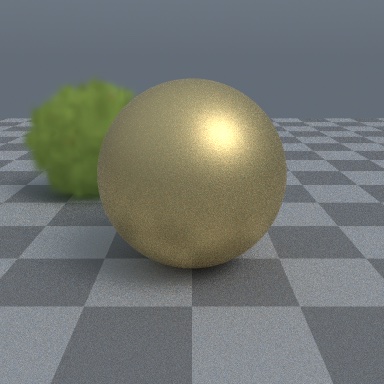
A sad grey ball looks at a picture of a metal one and works out its roughness and its colour at 450, 550 and 650 nm. The material is a tang graph, run by tang's interpreter right here in your tab.
ForMatching a material to a photo of the real part.
- step
- 0
- roughness
- 0.70
- loss
- –
A bush of 900 Gaussian splats, path traced under the sky. irys fast-forwards it to autumn by fitting every splat's colour and opacity at once. That's 3 600 knobs, turned by gradient, not by hand.
ForEditing a captured splat scene without breaking the lighting.
- step
- 0
- parameters
- 3 600
- loss
- –
One room, one lamp, light bouncing off every wall. irys works out what colour the walls were painted, as a three-band spectrum, without asking the painter.
ForMeasuring colour when the lighting is lying to you.
- step
- 0
- bands b g r
- 0.50 0.50 0.50
- loss
- –
The same room, path traced one frame at a time with next-event estimation and MIS. Repaint it and watch the noise settle again.
ForStaring at. It is quite relaxing.
- frames
- 0
- paths / px
- 0
- ms / frame
- –
Your browser gives irys one CPU core and f64 math, so these are small and grainy. The real thing runs on a GPU.
Gradients 7 to 26 times faster than Mitsuba 3.
Same machine, same scenes, both renderers checked against their own finite differences. And yes, we show where irys loses. Cycles is very good at its job.
Every benchmark, wins and losses
| Comparison | Result |
|---|---|
Material gradient vs Mitsuba 3 prb, time to equal variance, M4 Max | irys 7.0–25.5× faster |
Pose gradient vs Mitsuba 3 prb_projective | no claim |
| Equal-time error vs Cycles: pair, room and cornell, 9 budgets | irys lower at all 9 |
| Equal-time error vs Cycles: Blender's classroom | 0.89 to 2.75× Cycles |
| Equal-time error vs Cycles: Barcelona Pavilion, clamped | 14–17× Cycles |
Both renderers match their own central differences on the material gradient. On the robot arm, Mitsuba's pose gradient converged to a value its own central differences reject, so irys makes no pose comparison. The Cycles wins use irys's sun sampling setting, which is off by default, on scenes lit by a sky and sun. On Blender's demo files with full materials, Cycles is 2 to 3 times faster per sample and wins at all but the smallest budget. Sources: bench/mitsuba and the speed rounds in docs/design.md.
Things irys can do for you.
All of these run today, from examples and tests in the repo. No roadmap slides.
 step 1
 target
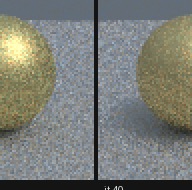
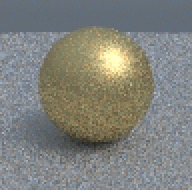
Copy a material from a picture.
Start with a sad grey ball. 60 steps and 5 seconds on the GPU later it's gold, with the target's roughness within 0.012 and its colour within 0.006.
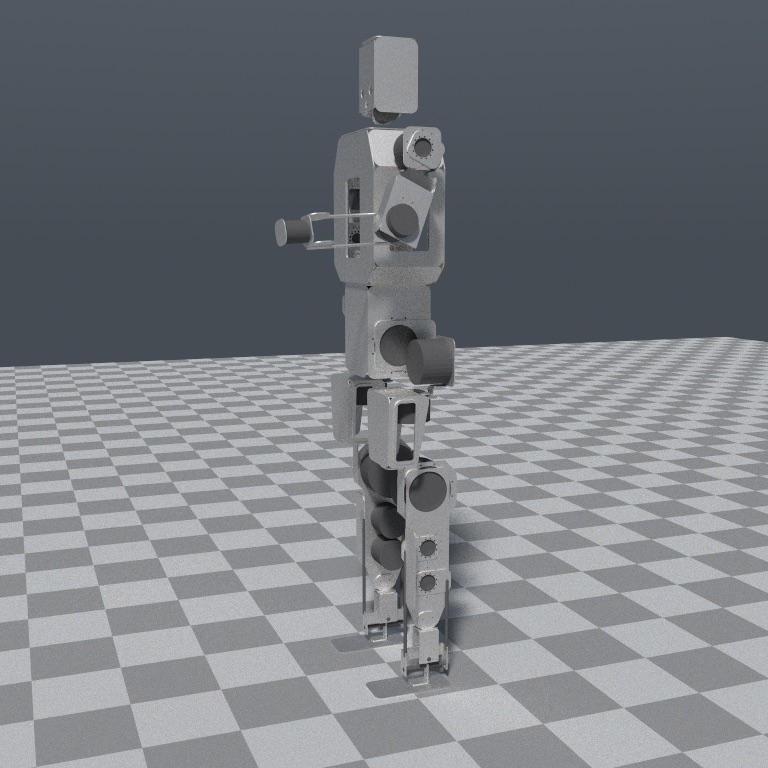
Ask a photo how the robot is standing.
Three joint angles of a 2.4 M-triangle arm, recovered to 0.07° from a guess 13 to 23° off. The outline, the shading and even the shadow on the floor all chip in.
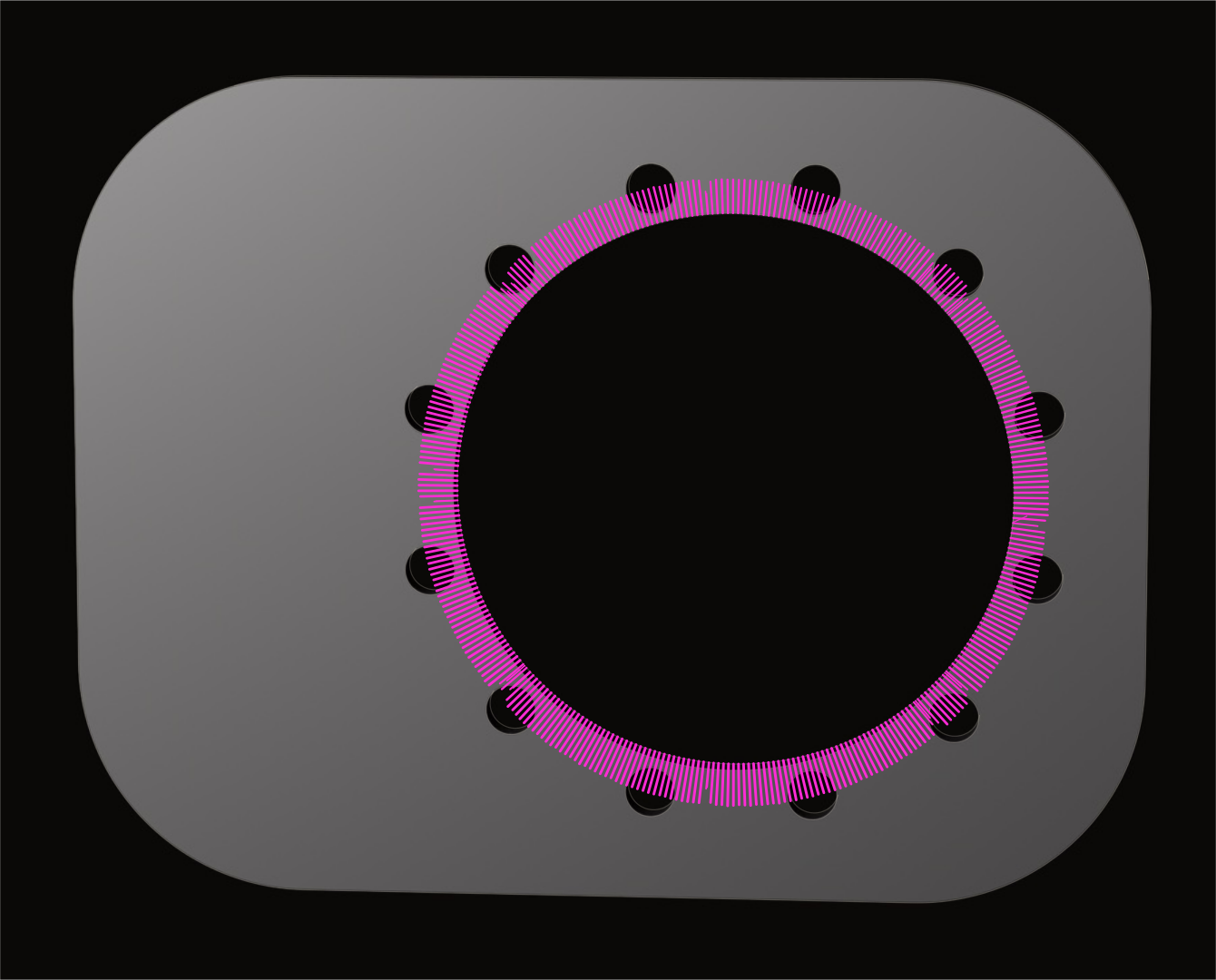
Differentiate a hole.
irys puts a gradient on every mesh vertex and vcad turns it into d(loss)/d(bore diameter) in one reverse pass. No finite-difference step to babysit. It matches vcad's own forward mode to 1e-15.
Splats and plain old paint, too.
Diffuse colour and every Gaussian splat's colour and opacity are differentiable on CPU and GPU, under sky, sun or area lights. The GPU agrees with the f64 reference to 5e-5.
It also just makes nice pictures.
Spectral, four wavelengths per path, OpenPBR materials, volumes, skin, hair, and scenes straight out of Blender.
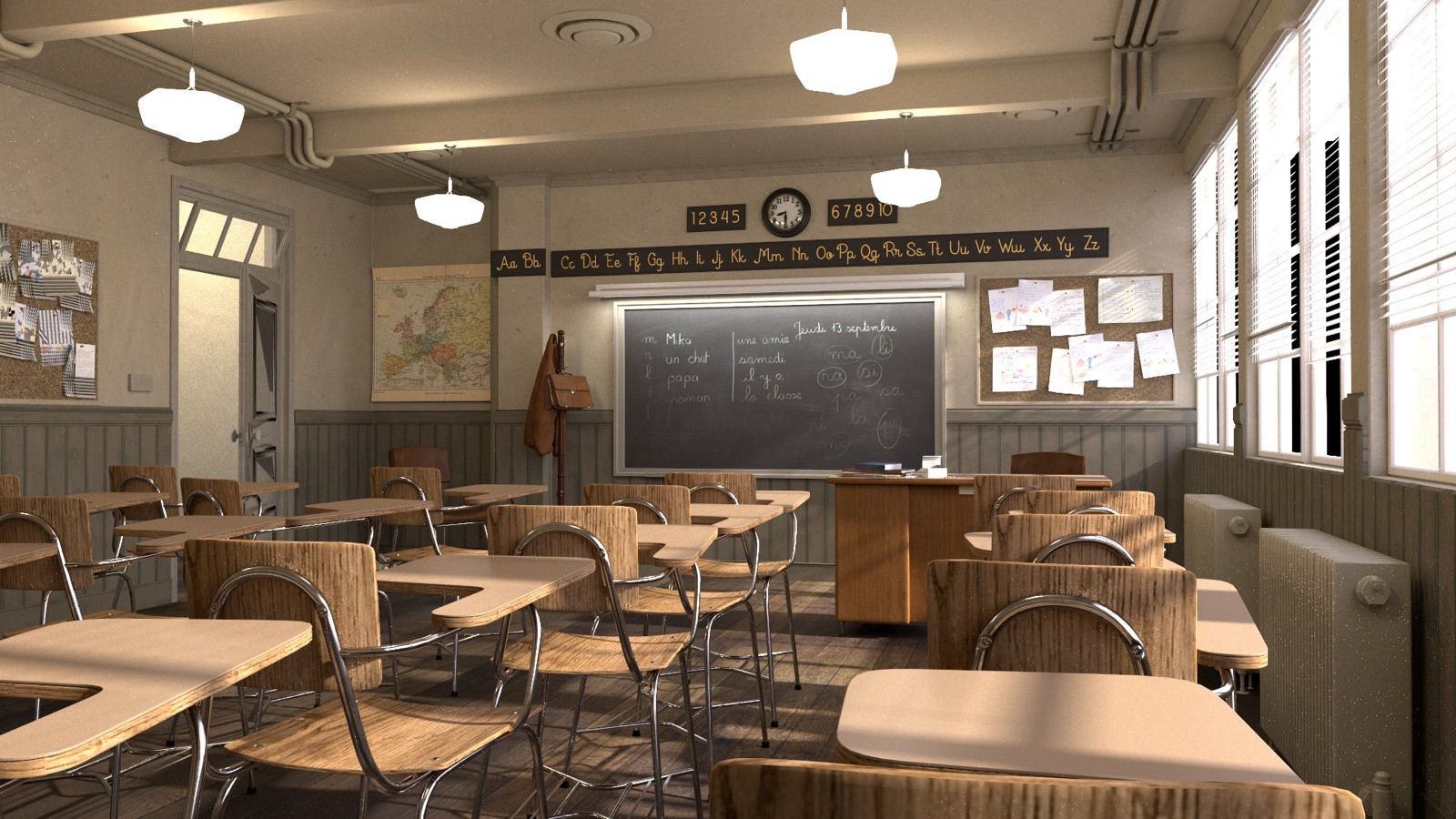
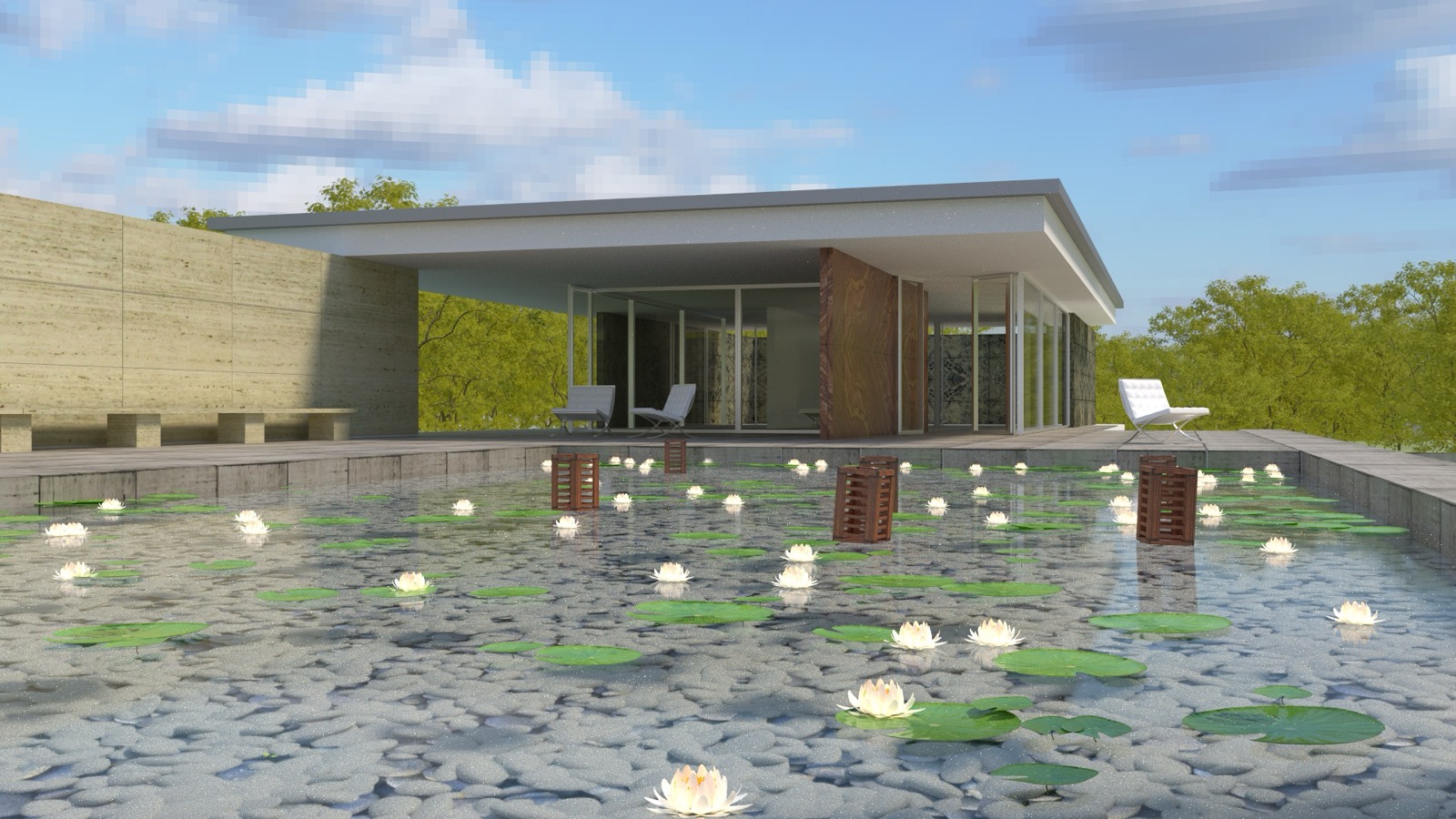
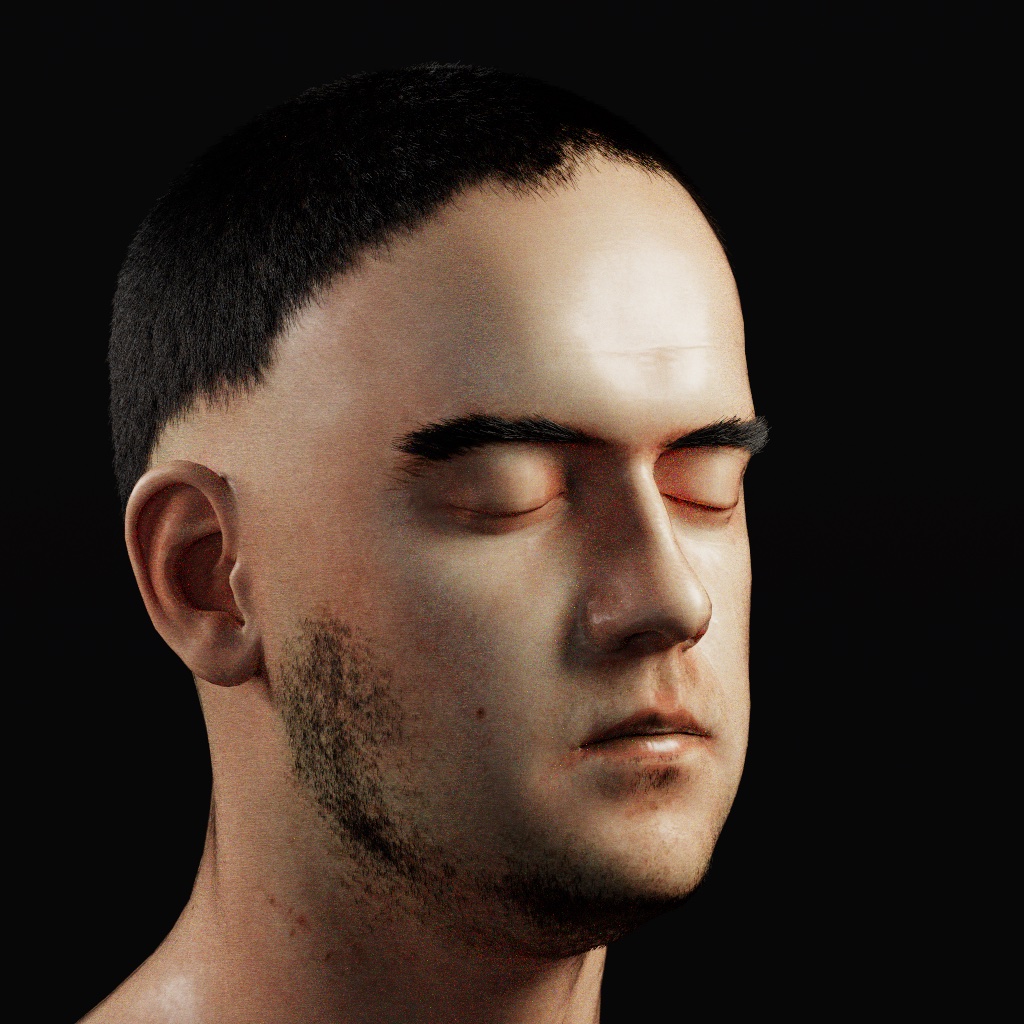
1080p, 4096 samples per pixel, no denoiser. Honesty corner: Cycles renders these 2 to 3 times faster per sample.
Ten lines to a gradient.
From examples/fit.rs. Render, compare, get a gradient for every material parameter, repeat until gold.
// irys-diff, from a clone of the repository
use irys_diff::prb::{self, Kernels, L2, Scene};

let scene = Scene::new(96, 96, 8);            // a ball on a floor, 8 spp
let mut k = Kernels::new(scene.lanes(), true);
let mut theta = [0.7, 0.5, 0.5, 0.5];        // roughness, F0 at 450 / 550 / 650 nm

for it in 1..=60u64 {
    let seeds = (2 * it, 2 * it + 1);
    let (loss, grad) = prb::gradient(&scene, &theta, seeds, &mut k, &L2(&target));
    // step theta with Adam, as the example does
}
How you know the gradient is right.
When a fit won't converge, you want to know it's your bug, not the renderer's.
It remembers exactly
The backward pass regenerates the forward pass's paths: 65 536 of 65 536 lanes bit-identical, and two runs give identical gradients.
It checks its work
Every material is one tang graph, lowered to the GPU and run in f64 on the CPU. GPU gradients agree to 3.5e-4.
It travels
Developed on Apple silicon. The full test suite also passes on an NVIDIA RTX 3090 through Vulkan.
Replay is exact per device and driver; across GPUs, results agree to f32 precision. irys owns no geometry. Implement the Geometry trait and irys computes the light. It renders for vcad, kosm, ipse, phyz and muni.
Get it.
The renderer is on crates.io as irys-render. Code still imports it as irys.
cargo add irys-render                 # CPU
cargo add irys-render --features gpu  # with the wgpu tier
The differentiable crates are not published yet, so run them from a clone. That needs Rust 1.95 or newer and a C compiler on your PATH, and the first build fetches tang from git.
git clone https://github.com/muni-works/irys
cd irys

# CPU only: fit a ball's roughness and colour to one target image
# by path replay. Writes target.ppm, iter_NNN.ppm and loss.csv.
cargo run --release -p irys-diff --example fit -- out/fit

# The same fit on the GPU wavefront.
cargo run --release -p irys-diff --features gpu --example fit_gpu -- out/fit_gpu

# Tests. GPU tests skip when there is no adapter.
cargo test -p irys
The irys crate on crates.io is an unrelated project. Everything is version 0.1.0 and the API is not stable. The core crates are the most settled; irys-diff and the crates built on it are research code. All timings come from Apple silicon with Metal. The test suite also passes on an NVIDIA RTX 3090 through Vulkan.
Read and build on it
$ git clone muni-works/irys
$ cargo run --example fit
roughness 0.700 → 0.188githubSource, examples and the design log
vcadCAD you can take the derivative of
tangThe tensor compiler irys writes its materials in
researchPapers on irys and what's built on it, like CAD from photos
muni.worksMunicipal Robotics